On Thursday, September 15th, our class celebrated Dot Day! We read The Dot by Peter H. Reynolds. This books encourages students to be creative and to not be afraid to make your mark. After reading the book we used watercolor paints to create our own dots. Check out what we made!
We are so excited to be back at school! Our class has been working on getting to know each other, building a sense of classroom community, and create and follow classroom expectations. We are in a new classroom this year, so it has been fun exploring the new space. While we have been getting used to the busy routines of the school day we have made sure to take some time for fun and games.
Before February break we had Four Winds. We learned about birds and their feathers. The students got the chance to observe a variety of feathers. They noted the difference between the downy feathers that help keep them warm, and feathers that help them to fly. They worked together and sorted the feathers into the different categories. At the end the students were able to take a look at an actual bird wings. We were very surprised how light the wings were. It was very interesting.
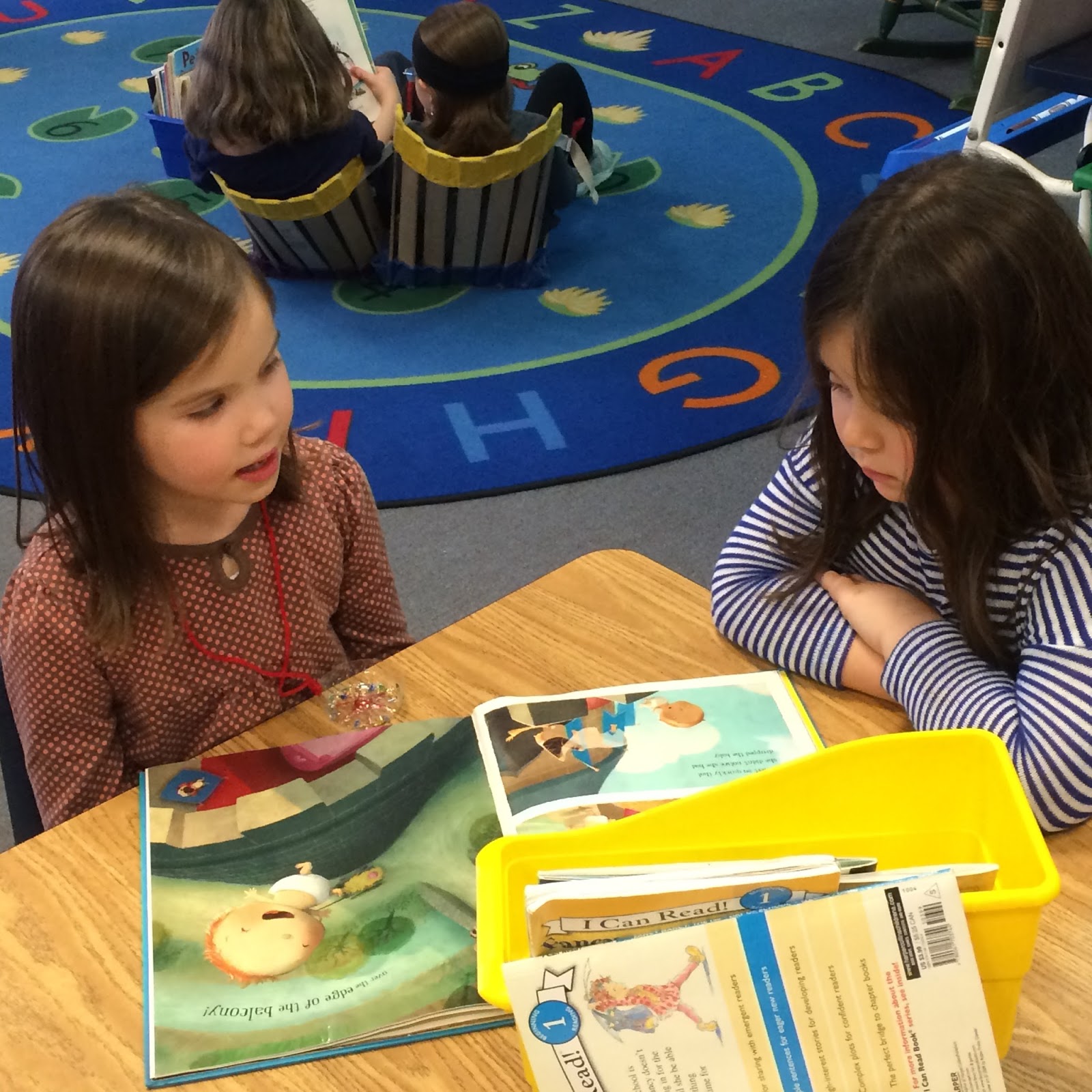
This past week our class got together with Mrs. Reed's kindergarten class. Each student was paired up with a kindergarten student. We will go each week to read with our kindergarten buddies. It was so nice seeing the students reading together.
For the next week and a half our school is so lucky to have teaching artist, Gowri Savoor, here working with us to create paper lanterns. Today our class began working on our paper lanterns. We started by planning a winter scene that we wanted to sketch on our lanterns. We were directed to keep the sketches simple since we would be adding color with watercolor paints. We then got a lesson on how to use the watercolors. It was recommended that we first add the color, then use a watery brush to spread the color, and then a paper towel to remove the access water. The results were beautiful! Today was only the beginning. Our class will continue work on our lanterns on Friday during our regular art class. On Wednesday, February 10th at 4:40 families are invited to come to ABS for a small lantern parade through the halls. The students are so excited to show off their work.
This week students at ABS celebrated Hour of Code Week! Students learned how writing code can help to send messages. In the library students pretended they needed to write code to help R2D2 find his friends on a grid. Students used numbers and arrows to tell R2D2 which way he needed to go on the grid so he would land on specific squares on the grid and find his missing friends. One student would write the code and the other student would pretend to be R2D2 and move around on the grid.
We also sent time in the computer lab learning to use simple code to control Minecraft players. This allowed the students to put in specific commands which told the character to complete tasks such as chopping down trees, build a house, and sheer sheep. As the students moved through stages the code they needed to write became more complicated. It was really fun seeing kids take risks and move their way through the program independently. It wasn't always easy, but they were motivated to keep trying until they got it. Students are encouraged to go to code.org/learn on their own and try to do some more coding. Many students also had an opportunity to do some coding with Mrs. Rogers this week.